Log in
 Download App
 Support




You May Also Like
Geeni Smart Water Leak Detector with Siren - Battery Powered


Geeni Smart Water Leak Detector with Siren - Battery Powered
$18.99
 Delivery
Free standard delivery on orders over
Approximate delivery date:
Return & Refund Policy
free return and refund policy on all your orders
The Geeni water leak detector keeps your home a step ahead of water damage. Stick it in trouble spots like basements and under sinks, and at the first sign of a leak it sends an instant alert and sounds an 80-decibel siren. It even works with other Geeni devices to automate a response.
- Instant leak alerts: Detects water early and sends a notification to your phone.
- 80-decibel siren: A loud built-in alarm warns you the moment a leak starts.
- Easy install: Built-in adhesive sticks it in basements, under sinks, and more.
- Smart automations: Pairs with other Geeni devices to trigger automatic responses.
- Battery powered: Runs on 2x AAA batteries with IP44 water protection.
Questions? Visit our support page
Free standard shipping on orders $69+ and free 30-day returns. Exclusions Apply.
Frequently Asked Questions
-
Orders over $69 ship free. For orders under $69, there's a flat $7.95 shipping fee. We keep shipping as simple and affordable as possible.
-
Yes. If you're not completely satisfied, you have 30 days from the date your order arrives to start a return.
-
Orders are processed and shipped within 1–2 business days. Once shipped, delivery takes about 5 business days on average, though timing can vary by location.
-
Almost certainly. Geeni cameras connect to the 2.4GHz band, which nearly every home router broadcasts alongside 5GHz. During setup, just make sure your phone is connected to your 2.4GHz network — the Geeni app walks you through the rest. 2.4GHz is actually the better choice for security cameras: it reaches farther and passes through walls more reliably than 5GHz, so your camera stays connected even when it's mounted far from the router.
-
Setup takes just a few minutes through the free Geeni app. Download the app, plug in your camera, and follow the in-app prompts to connect it to your home Wi-Fi. One tip that prevents most setup snags: make sure your phone is on your 2.4GHz network before you start. You'll need an existing home Wi-Fi network and a phone or tablet — Geeni devices don't work over a phone hotspot.
-
No monthly subscription required. Insert a microSD card [up to ___GB] and your camera records locally with no recurring fees. Optional cloud plans are available if you'd like off-device backup, but they're entirely your choice.
-
Because it's the right band for the job. 2.4GHz offers longer range and better wall penetration than 5GHz — exactly what a security camera needs to stay reliably connected throughout your home. Nearly all routers run both bands at once, so you simply point your phone at the 2.4GHz network during setup.
-
Geeni delivers smart home tech that's genuinely affordable without cutting corners on features. From cameras to lighting to plugs, everything runs through one simple app — making your smart home easy to set up and easy to live with.
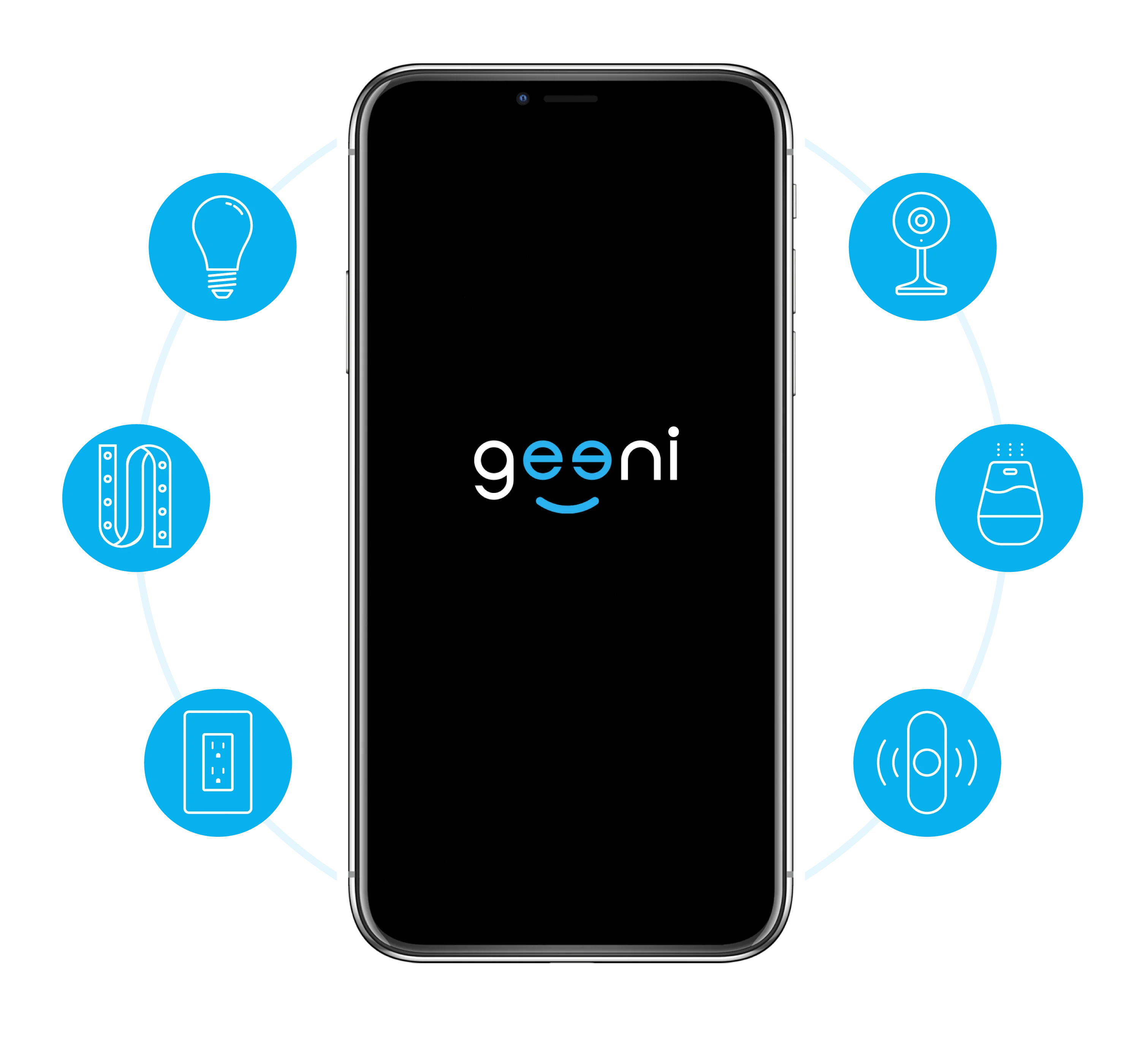
One Home, One App
The app works with all Geeni smart home devices, allowing easy control of your home from your Android or iOS smartphone. Allow your family, neighbors, and guests to access all your Geeni Smart Home devices.