Log in
 Download App
 Support




You May Also Like
Geeni Patrol HD 1080p Smart Dual-Lens Auto-Follow Camera


Geeni Patrol HD 1080p Smart Dual-Lens Auto-Follow Camera
$49.99
 Delivery
Free standard delivery on orders over
Approximate delivery date:
Return & Refund Policy
free return and refund policy on all your orders
| Resolution | 1080p |
| Lens | Dual-lens (wide view + auto-follow) |
| Movement | 350° pan & tilt |
| Motion tracking | Automatic auto-follow |
| Audio | Two-way |
See more of your home with two perspectives in one smart camera. Geeni Patrol HD combines dual-lens monitoring with a motorized 350° base, so nothing outside the frame gets missed.
- Two views, one camera: a wide-angle lens plus an auto-follow lens working together for full-room context.
- 350° pan & tilt: motorized base rotates to cover the whole room, not just one angle.
- Auto-follow tracking: automatically follows movement to keep the action centered.
- Real-time alerts: push notifications the moment motion is detected.
- Two-way audio: talk and listen through the Geeni app from anywhere.
Questions? Visit our support page
Free standard shipping on orders $69+ and free 30-day returns. Exclusions Apply.
Frequently Asked Questions
-
Orders over $69 ship free. For orders under $69, there's a flat $7.95 shipping fee. We keep shipping as simple and affordable as possible.
-
Yes. If you're not completely satisfied, you have 30 days from the date your order arrives to start a return.
-
Orders are processed and shipped within 1–2 business days. Once shipped, delivery takes about 5 business days on average, though timing can vary by location.
-
Almost certainly. Geeni cameras connect to the 2.4GHz band, which nearly every home router broadcasts alongside 5GHz. During setup, just make sure your phone is connected to your 2.4GHz network — the Geeni app walks you through the rest. 2.4GHz is actually the better choice for security cameras: it reaches farther and passes through walls more reliably than 5GHz, so your camera stays connected even when it's mounted far from the router.
-
Setup takes just a few minutes through the free Geeni app. Download the app, plug in your camera, and follow the in-app prompts to connect it to your home Wi-Fi. One tip that prevents most setup snags: make sure your phone is on your 2.4GHz network before you start. You'll need an existing home Wi-Fi network and a phone or tablet — Geeni devices don't work over a phone hotspot.
-
No monthly subscription required. Insert a microSD card [up to ___GB] and your camera records locally with no recurring fees. Optional cloud plans are available if you'd like off-device backup, but they're entirely your choice.
-
Because it's the right band for the job. 2.4GHz offers longer range and better wall penetration than 5GHz — exactly what a security camera needs to stay reliably connected throughout your home. Nearly all routers run both bands at once, so you simply point your phone at the 2.4GHz network during setup.
-
Geeni delivers smart home tech that's genuinely affordable without cutting corners on features. From cameras to lighting to plugs, everything runs through one simple app — making your smart home easy to set up and easy to live with.
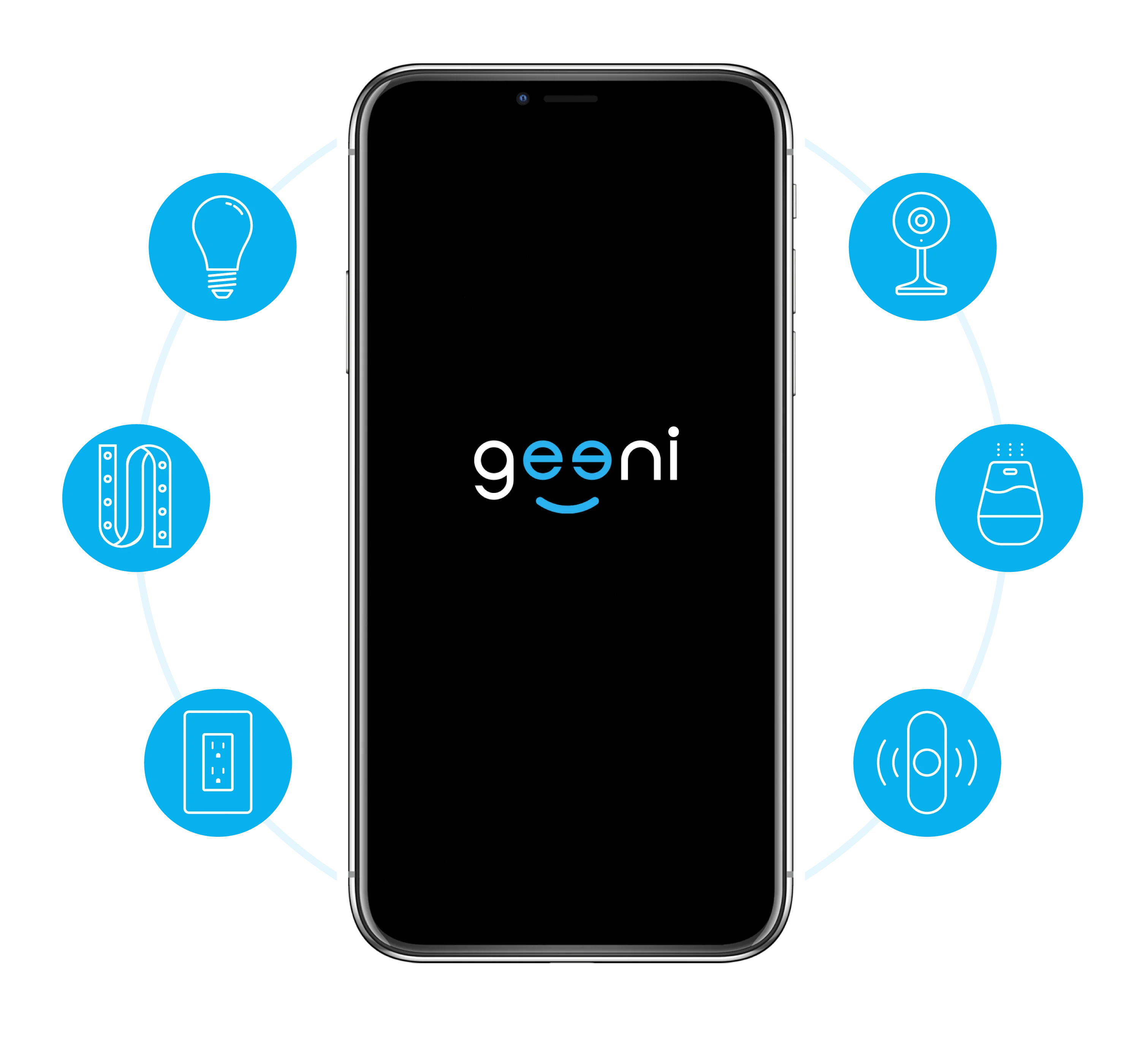
One Home, One App
The app works with all Geeni smart home devices, allowing easy control of your home from your Android or iOS smartphone. Allow your family, neighbors, and guests to access all your Geeni Smart Home devices.