Frequently Asked Questions

You May Also Like

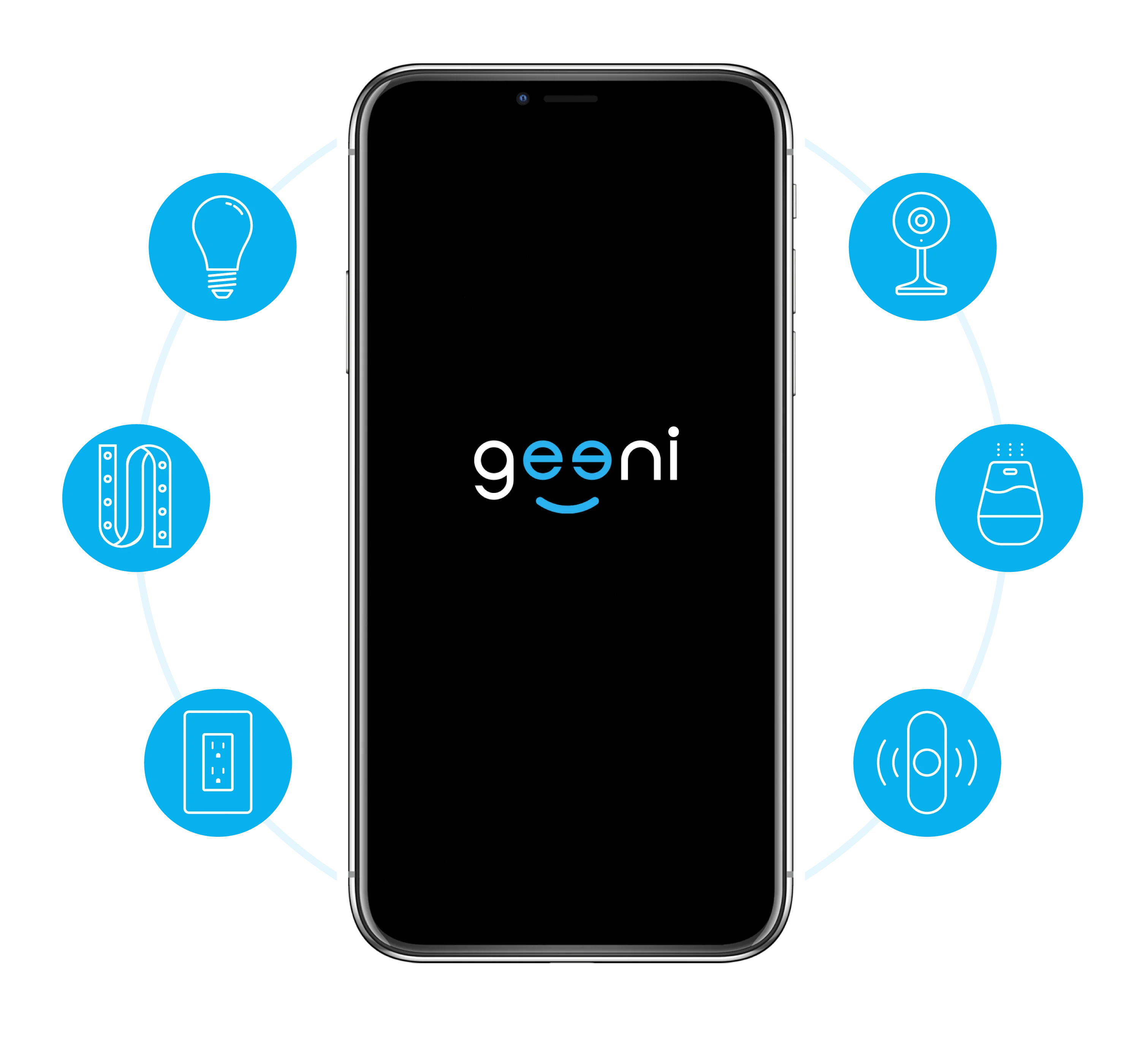
One Home, One App

The app works with all Geeni smart home devices, allowing easy control of your home from your Android or iOS smartphone. Allow your family, neighbors, and guests to access all your Geeni Smart Home devices.
Customer Reviews

Overall rating: 4.5376344 / 5 from 93 reviews.

AI Generated Review Summary

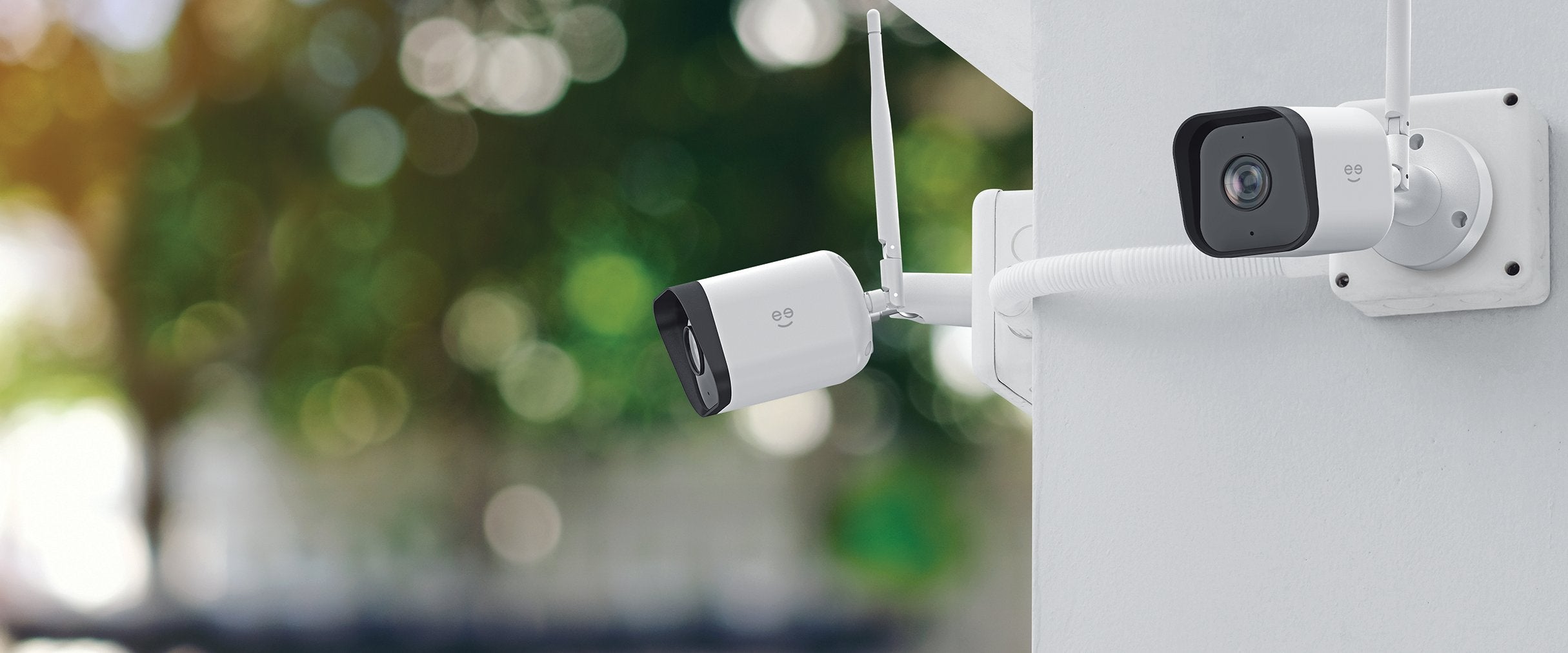
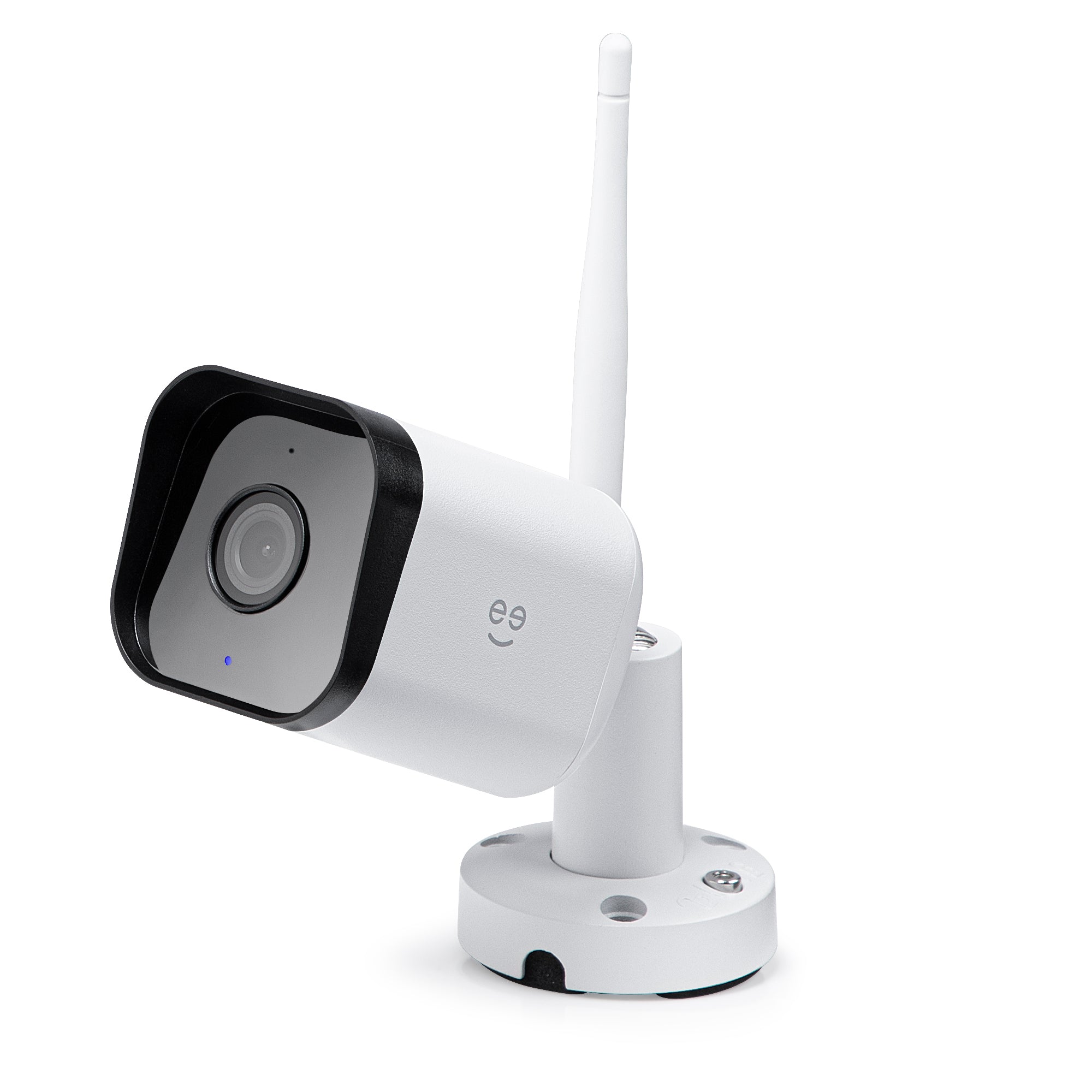
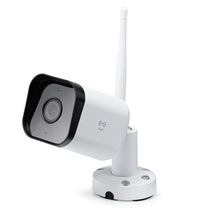
The Geeni Hawk 3 1080p Outdoor Camera offers top-notch security features, including infrared night vision and weatherproof design. Users appreciate its easy setup and integration with smart home devices. While some have mixed feelings about video quality and playback, the camera's affordability and no subscription requirement are highly valued.

Summary topics

  • Picture Quality: 13%
  • Setup Ease: 7%
  • Subscription Requirement: 3%

Review topics: [quality, setup, speed, issues, work, camera, picture, video, night vision, app, playback, subscription, updates, unit, internet, experience, view, signal, geeni, device, clarity, motion, brand, solution, life, kids, notifications, component, feed, audio].

Review highlights

  • "Recent Updates Were Welcome"Damian P.
  • "Thanks u for make cheap and good quality, may god give u what is really rich life for make peoples life easy and better"Poedh241
  • "Decent camera, seems well constructed, it was simple to get up and running, and picture quality is good."Jeremy

Reviews

Horrible experience! Go elsewhere!

"Worst experience you will encounter if you need support. Very, very, very slow response. They never offer a solution, only stretch out the process to get you past the window of return and past warranty expiration. Do NOT buy here! Go elsewhere and find another brand! The photo attached is my purchase from their website and it's been doing this since day one. It took them 4 months to respond to my email the 2nd day. Then 3 months to respond to the second email only to say it's past the return window. The last email came a month ago saying sorry for the delayed response only to say it's out of warranty. Trust me, GO ELSEWHERE and find a different brand!"

David D. (1/5)

"pretty good as well, like all geeni cameras works perfectly fine, but the prices are started to go higher than I was expecting"

carlos (5/5)

Five star

"I think they work great they're just as tuff as other out door cameras for lest cost."

David B. (5/5)

Great

"Love the geeni camera. Had 3 already all inside. Had an outdoor geeni camera it stopped working. Finally ordered the geeni hawk, it is so much clearer than the older models. Only thing I wished it could do is focus cleaner, and pick up motion faster, and at a greater distance."
Terrell K. (5/5)

My favorite camera

"I love this camera, it works flawlessly, great footage day and night"

Chris (5/5)

My favorite camera

"I love this camera, it works flawlessly, great footage day and night"

Chris (5/5)

new camera

"inexpensive and easy setup"

Bill n. (5/5)

Easy and Useful

"I love how easy it was to setup the cameras and start using them. I do wish there was a way to set where I want the motion to be detected on the screen."

Jennifer C. (5/5)

"Thanks to you and your associated services."

andrea (4/5)

Excellent moderate price security device,

"Excellent moderate price security device, trust worthy and dependable."

Carlos H. (5/5)

Q&A

I recently changed my wifi password. Is there a way to reconnect the cameras to the wifi through the app? (With out having to climb up a ladder to manually do it on each camera)
Hello Nat! I am glad you raise this over to us. To reconnect the smart camera we would need to manually reset them. We suggest to have the camera near the router to reset them or within 10 to 15 feet with the router. We would love to assist you if you can vist our chat platform which is support.mygeeni.com. We are open every day from 10AM to 7PM EST.
is the hawk3 compatible with iphone 6
Hi! Thank you for choosing Geeni by Merkury Innovations. Well, it is compatible to iPhone 6 as long as the operating system of the iPhone 6 is between iOS® 8 or higher. For immediate assistance, you can reach us through our chat support platform or for your convenience, you may also set a scheduled callback: support.mygeeni.com/hc/en-us/articles/360053126594. We are open everyday from 10AM to 7PM EST.
Can one download the recording to a phone without having to remove the SD card?
Hi Matthew! Thank you for choosing Geeni by Merkury Innovations. To answer your questions, the videos recorded on the SD card can only be viewed using the same Geeni account and devices and downloading recorded videos on another phone is not possible. To add to that, we don't advise our customers to remove the SD card on the device, as it will cause some of the videos to be remove or worse case scenario, the SD card might get corrupted. For immediate assistance, you can reach us through our chat support platform or for your convenience, you may also set a scheduled callback: https://support.mygeeni.com/hc/en-us/articles/360053126594. We are open everyday from 10AM to 7PM EST.
I've purchased 2 2 piece geeni hawk 3 camera kits so I have a total of 4 cameras and to silplify the installation process I will need power cable extension cables. I have not yet unboxed them to measure the amount ( length ) of cables included with them. but I cant find any information on the power cables their length or are there cable extensions available. Is there another company that might manufacture compatible extension cables.
Hi Brad! Thank you for choosing Geeni by Merkury Innovations. The cable size of this camera is 5 meters for each camera. Hope this helps. If you have other questions, please call us at +1 (888) 232-3143. We are available from Mon-Sun 10 AM till 7 PM EST.
Can i view live images on my iphone connected on the same network? Can i view live images on my iphone from remote locations using a high speed internet connection? Can I view live images from remote locations using cell phone signal?
Hi Phil, we appreciate you choosing our devices as your smart home device. To answer your question, yes, you can view the camera remotely. All you have to do is to connect your phone to a source of internet such as mobile date or WiFi. To add to that, make sure that the internet connection that you are trying to connect is fast and stable to avoid any issues when viewing the camera on the app. If you have other questions, please call us at +1 (888) 232-3143. We are available from Mon-Sun, 10:00 AM to 7:00 PM EST.